One-line summary
Delivering photos isn't just file transfer. It's the final feeling your client takes home.
When delivery is frustrating, the excitement fades. When it's effortless, the experience lands the way it should, and clients remember you as the photographer who truly took care of them.
Why the delivery experience matters
After a shoot, clients don't only remember the images. They remember the moment they received them.
They remember the anticipation, the first scroll, and the small details that either made them feel cared for or made them feel stuck.
- "The link expired, so I had to ask again."
- "The ZIP wouldn't open on my phone, so I had to turn on a computer."
- "I got confused copying filenames and made mistakes."
On their own, these are small annoyances. Together, they can make even beautiful work feel a little unfinished.
But when delivery is seamless, it does something powerful: it protects the emotion of the shoot. Clients feel taken care of. They feel confident recommending you. And that trust often turns into repeat sessions.
5 common pain points in photo delivery
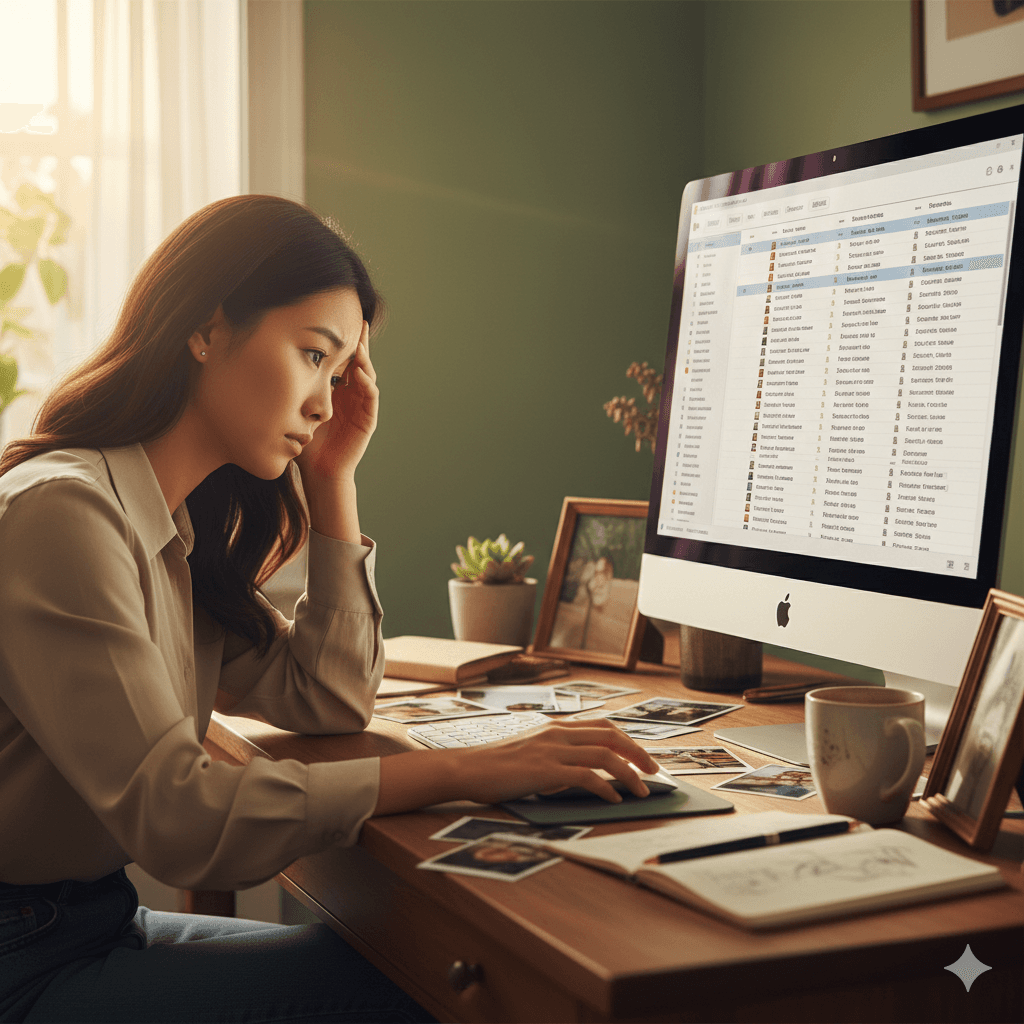
These issues seem minor, but they chip away at the experience.
1) Links expire
Many large-file email tools and transfer services have short expiration windows.
If a client is busy and the link expires, the delivery moment turns into another task on their list.
2) ZIP files block mobile viewing
Most clients check photos on their phone first.
With a ZIP file, "I can't wait to see them" quickly becomes "Why is this so hard?"
3) Access and download controls are awkward
Sometimes you need a password, or you want downloads to open only at a certain stage.
When the rules are unclear, clients hesitate, and you get pulled into extra messages.
4) Selection by filename leads to mistakes
"Please send me the filenames you like."
For clients, that becomes homework.
Typos and missed picks happen, and the flow that should feel fun starts to feel tedious.
5) Folder links don't feel like a brand experience
Drive folders can work for organization, but the viewing flow is rarely smooth.
There's also little room for your brand, your tone, and your care to show.
The goal: make viewing effortless
Great delivery isn't about complicated features. It's about a structure that helps clients move forward without friction.
It comes down to three things:
- Easy access (one link, opens instantly on mobile)
- Easy selection (tap-based, fewer errors)
- A managed feel (permissions, guidance, brand)
When those are in place, clients stop thinking about the process and start feeling the photos.
4 ways Pixpics Gallery streamlines delivery
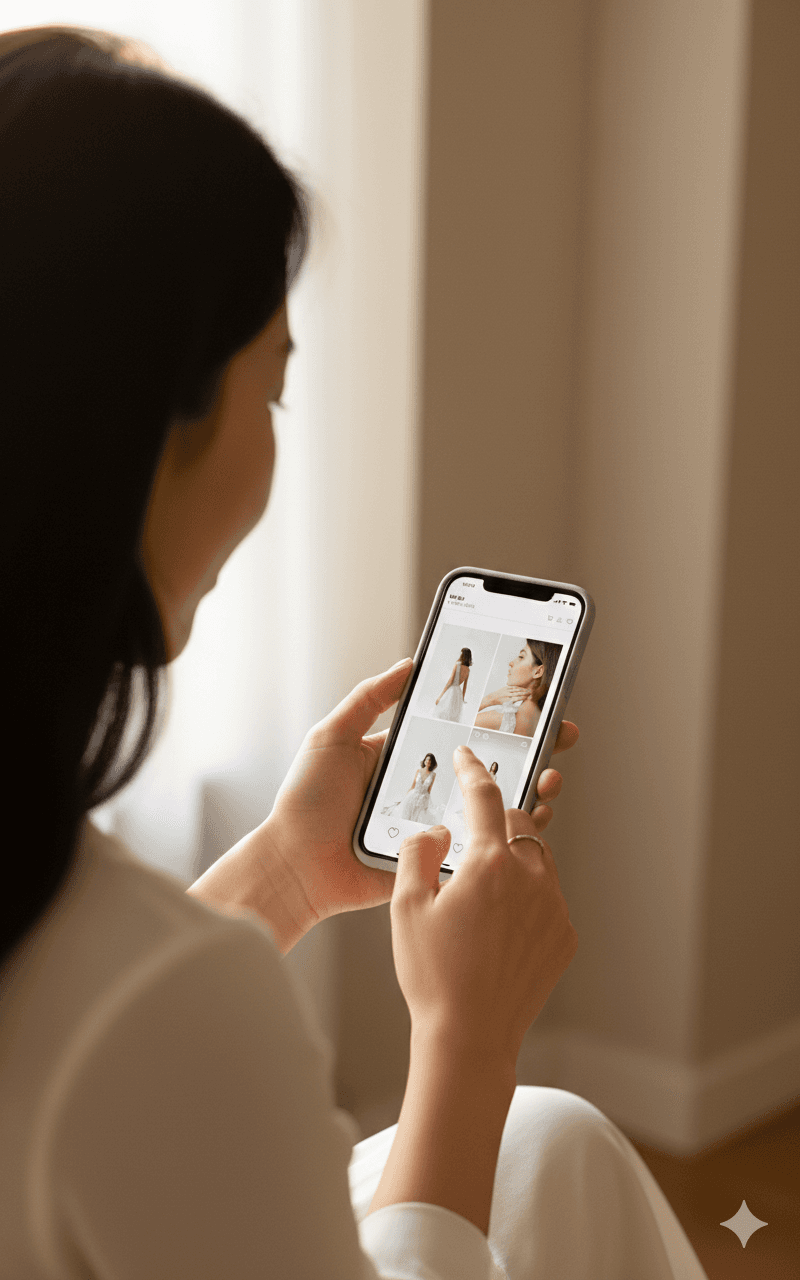
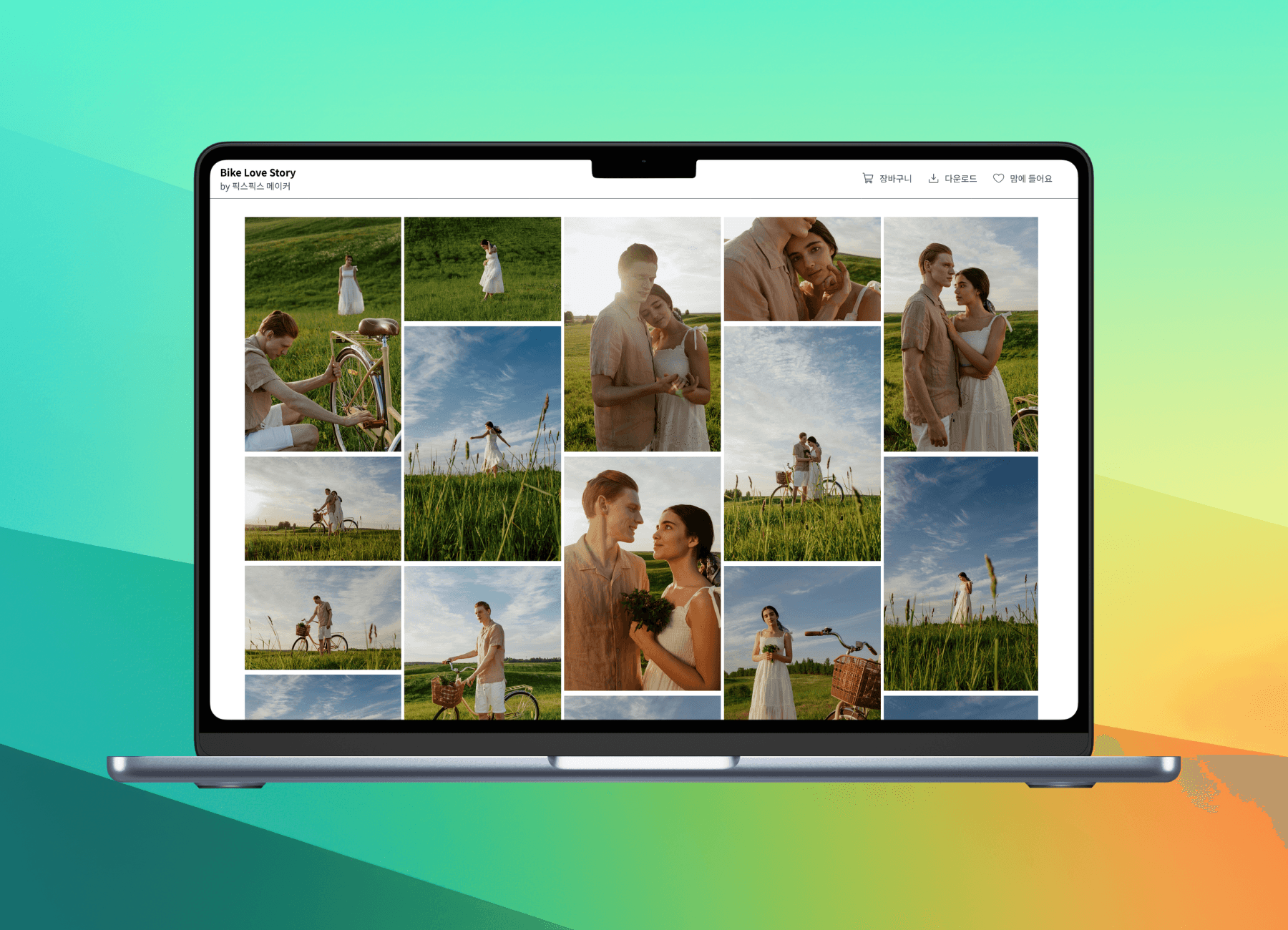
Pixpics Gallery is an online gallery built specifically for delivery, sharing, and selection.
Instead of sending a folder link, you can send a destination that feels like you.
1) Start with viewing, via a single link
No app required. Open the link and you're in.
The experience is designed for a mobile-first viewing flow.
2) Make selection simple with hearts (likes)
Clients can tap a heart on the photos they love.
No lists. No filenames. Just an easy, satisfying decision.
3) Control access and downloads with confidence
Add a password when needed, and adjust download permissions based on the situation.
Clients feel that everything is intentional, organized, and safe.
4) Turn delivery into a polished brand moment
Even with the same photos, the delivery flow changes how the service is perceived.
Deliver through your gallery, and the final impression feels premium.
A recommended workflow you can use immediately
- Create a gallery
- Send the link to the client (include a password if needed)
- Client views and selects with hearts
- Review the selection, then retouch
- Open final downloads
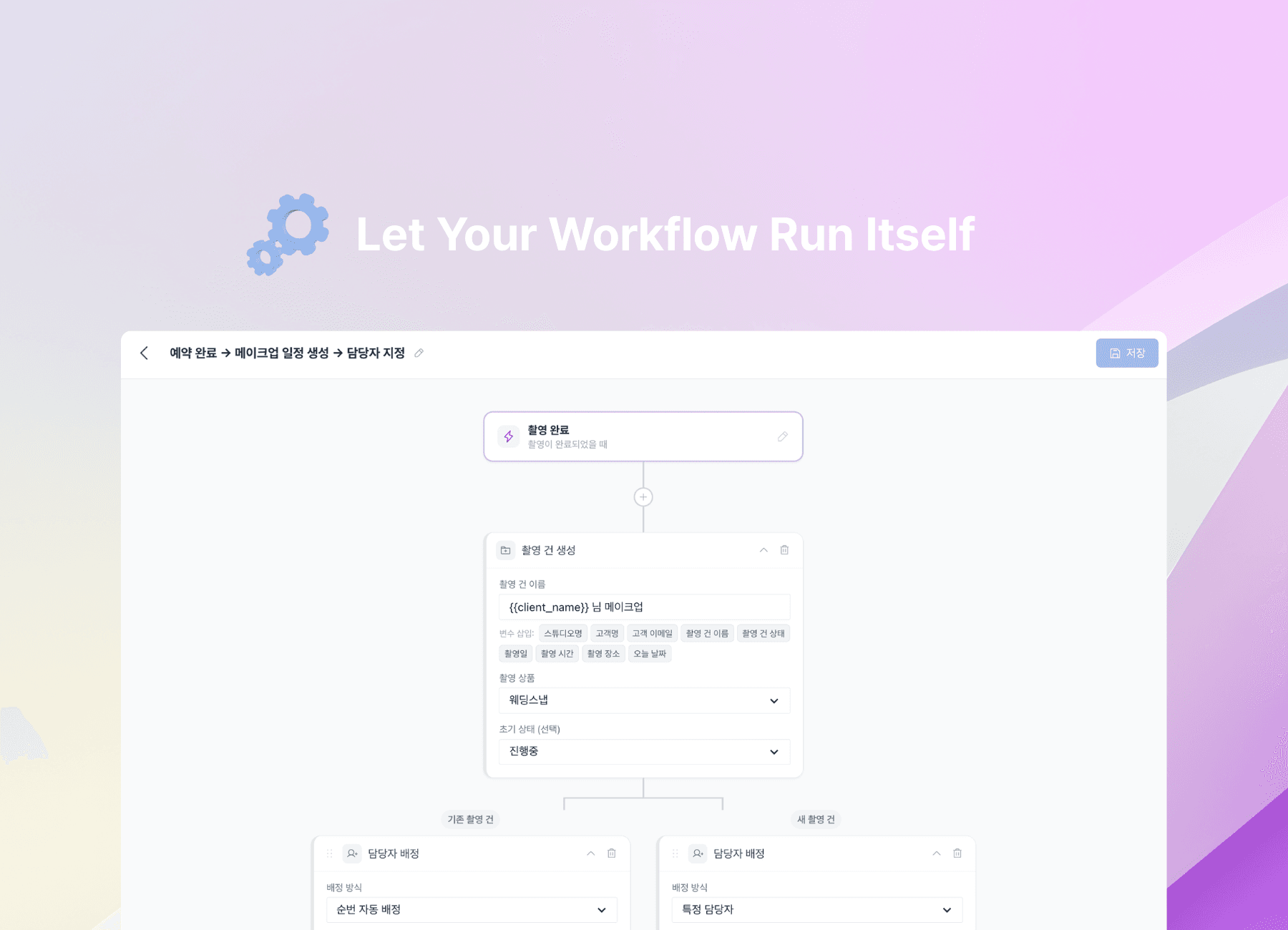
Once this becomes your default, delivery stops being something you manage each time and becomes a smooth system that supports your work, your time, and your clients.
A smoother delivery flow doesn't just save time. It protects the emotional high of the shoot, and leaves clients feeling cared for, not confused.
Explore Pixpics Client Gallery
Explore how Pixpics client gallery can upgrade your delivery experience.
FAQ
Q. Isn't Google Drive enough?
Google Drive can work for basic delivery.
But for most clients, the real experience is not "getting files." It's feeling the photos easily, and choosing them without friction. A plain folder link often struggles to support that full flow.
Q. Most clients view on mobile. Is that okay?
Yes, and it's common for clients to check on their phone first.
So the key question isn't "does it work on a computer," but whether clients can open, view, select, and download smoothly on mobile.
Q. Does this help when there are many photos?
Yes. The more photos there are, the more filename-based selection slows things down and increases errors.
Tap-based selection, like hearts (likes), is easier for clients and naturally reduces back-and-forth.