One-line summary
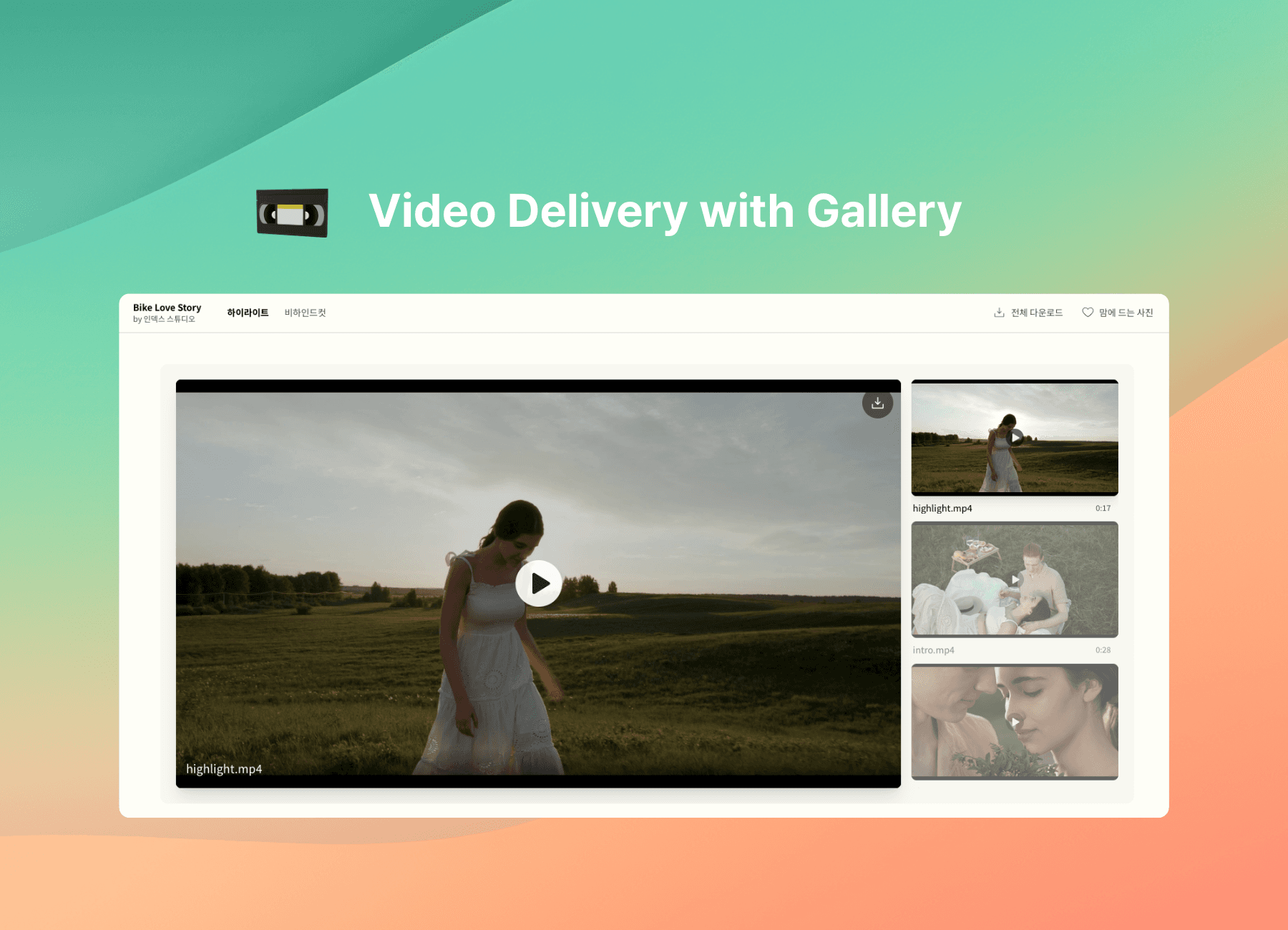
You can now add videos to your Pixpics galleries. Upload directly or embed a YouTube/Vimeo link to deliver photos and videos together in one beautiful, seamless experience.
Why it matters
Until now, photographers often had to split the final delivery.
"Here's the link for your photos. And here's a separate link for your video."
That small disconnect creates friction for your clients and feels a little less professional. We wanted to bring the entire experience into one continuous flow.
The pain of fragmented delivery
Your client is on an emotional high from looking at their photos.
But to see the video, they have to open a different app.
Or they have to wrestle with a large-file download link that has already expired.
Or worse, on their phone, they hit a wall: "Download to play."
In that split second, the excitement fades, and viewing becomes a chore.
The solution
Video should play just as effortlessly as scrolling through photos.
No extra apps. No downloads required to watch. Just one link and smooth, instant playback.
Introducing Pixpics video support
Starting today, every gallery offers two ways to add video:
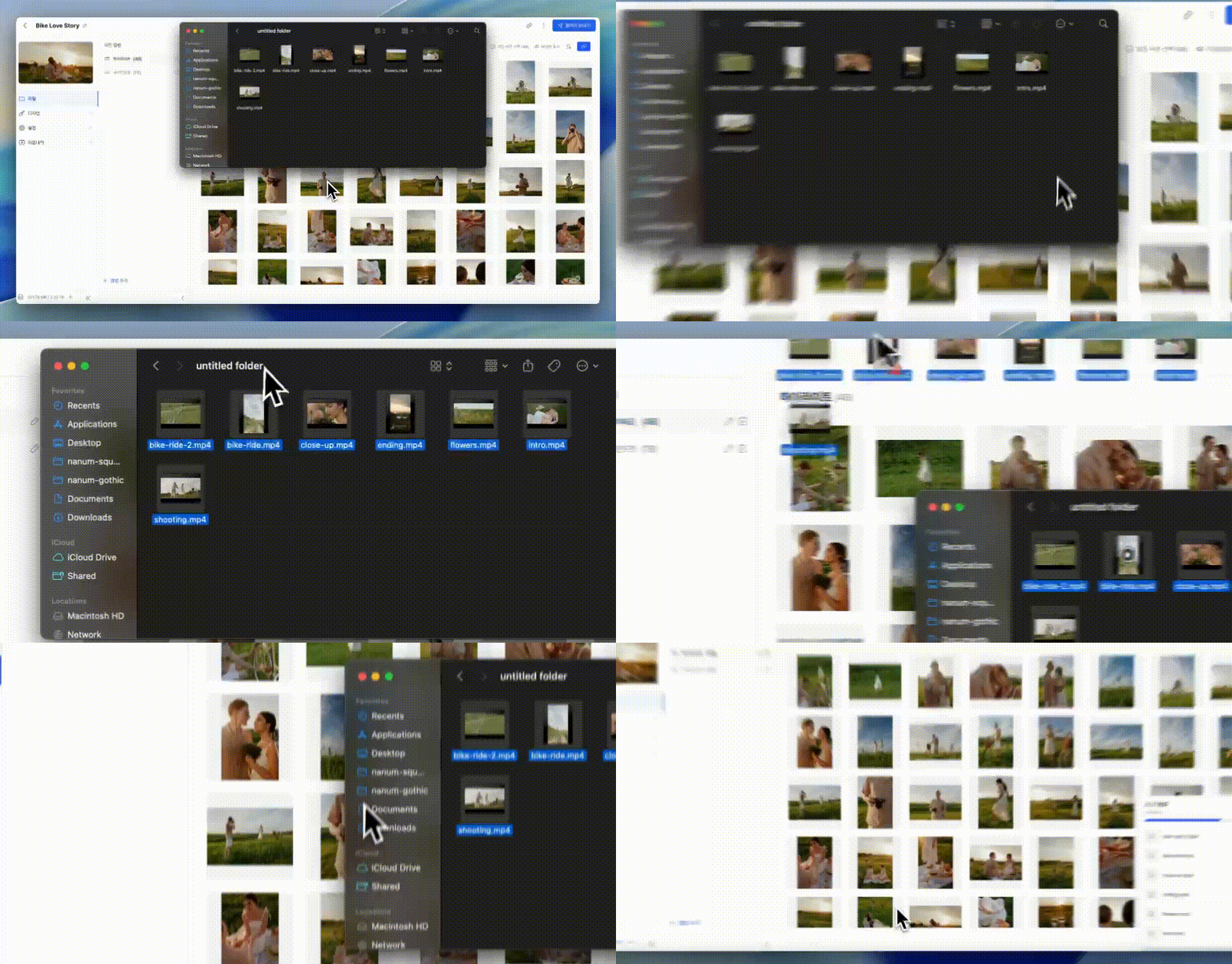
1) Direct Upload
Drag and drop your MP4 or MOV files right alongside your photos.
Pixpics automatically optimizes them for streaming. Depending on your plan, clients can enjoy smooth playback in up to 4K resolution.
2) Embed (YouTube / Vimeo)
Already host your videos elsewhere?
Paste the link, and Pixpics will embed it beautifully within the gallery.
This feature is completely unlimited for everyone, even on the free plan.
What your clients will feel
They open the gallery link.
They scroll through their memories.
They reach the video section and press play.
The video starts instantly in a clean, distraction-free player.
No confusing menus. No ads. Just the pure moments you captured for them.

Bonus: A redesigned gallery manager
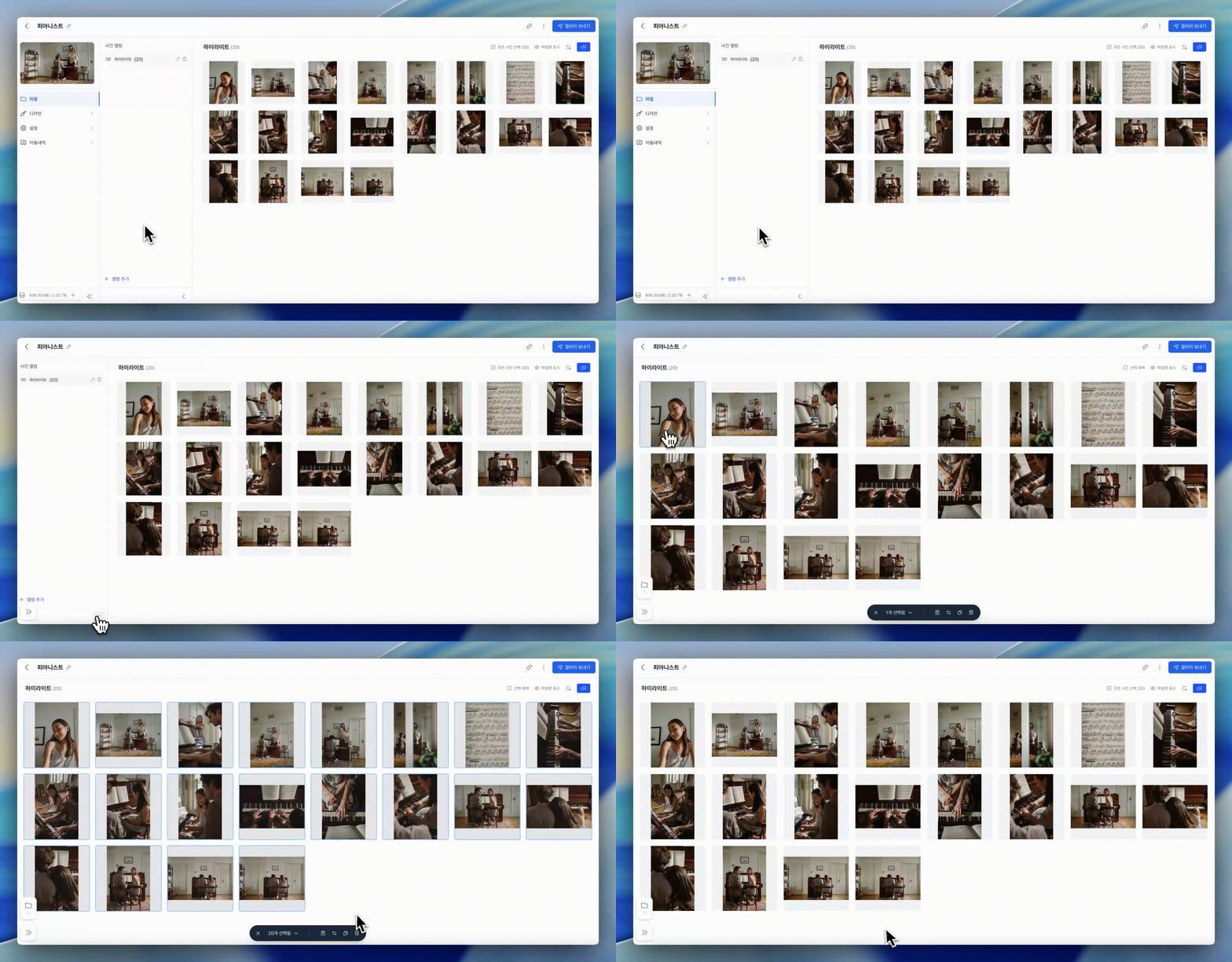
Alongside video support, we've rebuilt the gallery manager to be faster and more intuitive.
- Collapsible sidebar: Gives you more room to focus on your work.
- Drag & drop: Drop files directly onto an album, and the upload starts instantly.
- Custom thumbnails: Pick the perfect frame, or upload a custom cover image for your video.
Recommended workflow
- Cull and retouch your photos as usual.
- Export your highlight video or short clips (up to 4K).
- Create a new Pixpics gallery.
- Drag and drop your photos and videos together.
- Choose your strongest image for the gallery cover.
- Send your client a single, polished link.
Start now
Video support is live today.
Direct upload is available on paid plans (Basic and above). Link embedding is free for everyone.
FAQ
Q. Does uploading video count toward storage?
Yes. Directly uploaded videos count toward your storage limit. Also, unlike photos, there is a plan-based limit on the total video length per account. For exact allowances, please check pixpics.io/pricing.
(Note: YouTube and Vimeo embeds do not consume any storage or video length limits.)
Q. Can clients download the video?
Absolutely. If you enable downloads, clients can save the original, high-quality video file directly to their device.
Q. What file formats are supported?
We support major video formats including MP4, MOV, and AVI. Once uploaded, Pixpics automatically transcodes the video so it plays smoothly across all web and mobile browsers.
Q. Is there a file size limit?
This depends on your plan. For instance, the Basic plan supports up to 30 minutes or 10GB per file, while higher plans accommodate 4K resolution and larger file sizes—perfect for long-form wedding films.