One-line summary
A Studio OS is not just a bundle of features. It is an operating flow that keeps both clients and photographers moving forward without interruption.
Why it matters
Shoot day is always intense. But the real "long road" starts after.
You confirm the booking, check the payment, send the contract, deliver the originals, collect the client's selects, send revisions, and sometimes continue all the way into print sales.
When that flow feels seamless, clients feel taken care of.
When it breaks even once, the final memory can feel tiring, no matter how great the photos are.
What goes wrong when your tools are stitched together
- Links are scattered everywhere. Photos in a gallery, contracts in a doc, payment in another link. Clients do not know where to click next.
- Messages get longer and heavier. You write carefully, but it still lands like "homework." Questions increase.
- Schedules live only in your head. You keep checking, "When did I need to send that retouched set again?"
- Small mistakes chip away at your brand. Wrong link, duplicate instructions, missed requests. Professionalism feels fragile.
The direction: one flow for clients, one dashboard for you
For clients, it should feel like a single journey.
For photographers, it should feel like one place where the status is visible.
That is why a Studio OS is not simply a collection of tools.
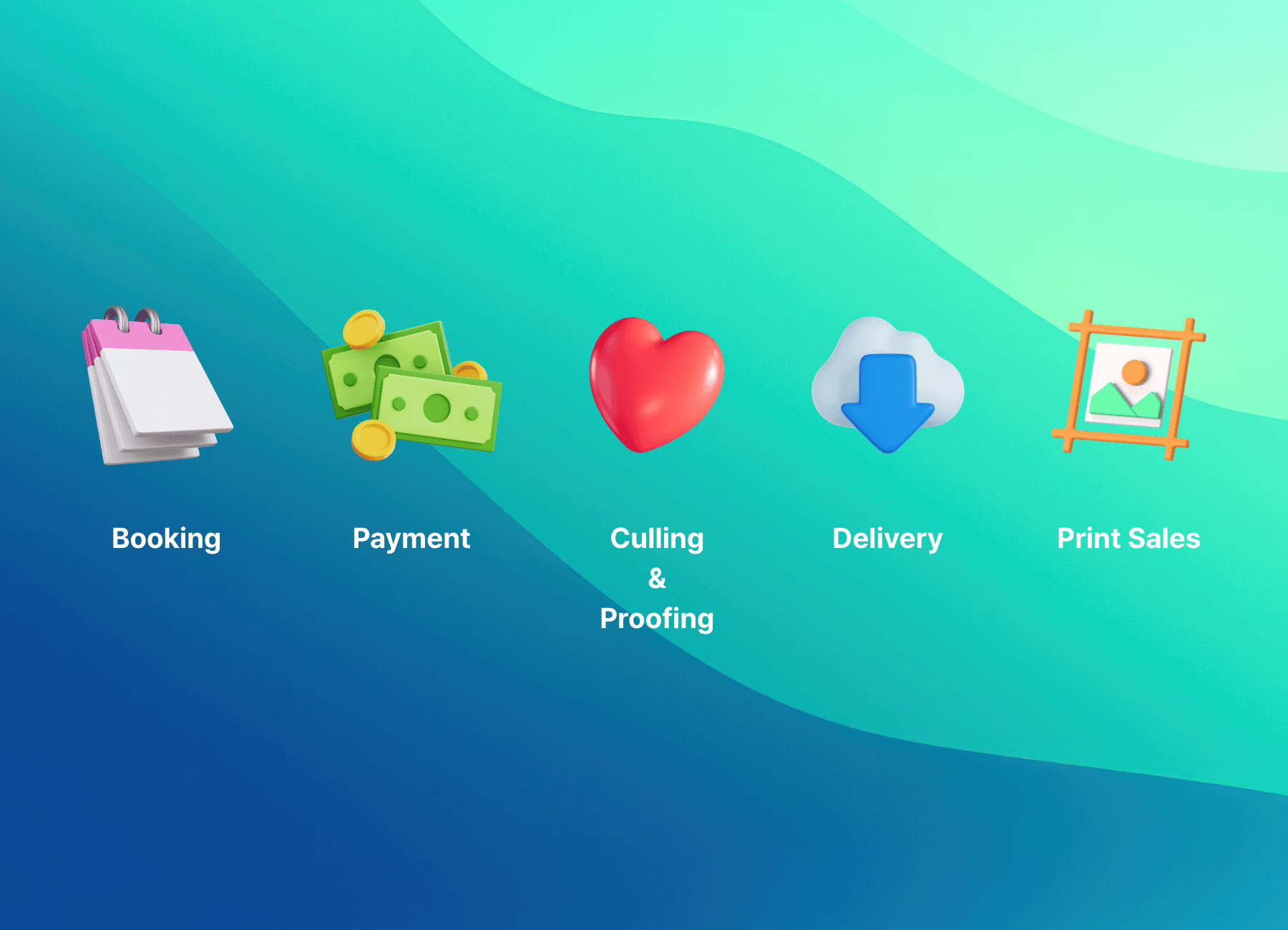
It is a system designed so that Booking → Payment → Selection → Delivery → (Optional) Print Sales connects naturally.
What is a Studio OS?
A Studio OS brings the core work of running a photography studio into one place.
It keeps clients from getting lost and helps you avoid missing steps.
Most Studio OS setups combine:
- Studio Manager (booking, clients, workflow)
- Client Gallery (delivery and selection)
- Payments (online payment and status tracking)
- Store (prints and frames)
- AI culling and workflow automation (less repetitive work)
The Studio OS experience Pixpics is building
Pixpics does not stop at "just a great gallery."
It connects the front and back of studio operations into one clear flow.
- Delivery and selection in one gallery link. Clients view and heart their favorites.
- All your operational status in one place. Client, shoot, and progress do not scatter.
- Revenue that connects naturally. A gallery can lead smoothly into print and frame sales.
Recommended workflow
- Receive an inquiry or booking, then organize the shoot date and client info.
- After the shoot, cull the originals (with AI if helpful) and retouch.
- Deliver with one gallery link. The client selects by tapping hearts.
- Continue your work based on the chosen images, then deliver the finals cleanly.
- For clients who want it, guide them naturally into print and frame purchases.
Tip: Instead of explaining features, guide the flow. Example: "Whenever you have time, take a look at the link and just heart the photos you love. I'll start working from the selected images right away."
Beyond a gallery, change the flow of your studio
When your operations feel lighter, the first thing that changes is your sense of space.
Clients feel safer, and you can focus more.
FAQ
Q. Do I need to throw away all my current tools to use a Studio OS?
Not necessarily. But if you bring the "experience-break" points (booking confirmation, payment checks, selection and delivery, print sales) into one place, you feel the difference quickly.
Q. Why isn't a gallery tool alone enough?
A gallery solves only one scene: delivery. But clients remember your studio through the full experience from booking to delivery. A Studio OS connects that flow.
Q. What changes most for clients?
Fewer links and simpler instructions. Clients stop getting lost and start feeling, "This studio really takes care of me."